How to Use the World Cup Simulator: The Ultimate Guide to Predicting 2026
The 2026 FIFA World Cup is approaching fast. The groups have been drawn, the schedule is set, and the excitement is building. But the biggest question remains: Who will lift the trophy?
Will France defend their title (or reclaim it)? Will Brazil add a sixth star? Or will a dark horse rise from the expanded 48-team field to shock the world?
You don't have to wait for the summer of 2026 to find out. With our advanced World Cup 2026 Simulator, you can play out the entire tournament millions of times, exploring every possibility, every upset, and every dream matchup.
Whether you're organizing an office pool, creating content for social media, or just testing "what if" scenarios, this guide will show you exactly how to use the simulator to its full potential. We've packed it with features—from the "Chaos Factor" slider to detailed match simulations—so let's dive in.
Step 1: The Setup – Team Pots and Playoff Picks
The rigorous journey to the World Cup final begins long before the first whistle. While the main draw is fixed, the final few spots are often decided in high-stakes playoffs. Our simulator gives you control over these crucial preliminary battles.
Navigating to the Simulator
To get started, head over to the Team Pots page. This is your command center for the initial setup.
On this page, you’ll see the official 12 groups (A through L) populated with the qualified teams. Because the 2026 World Cup features 48 teams, the group stage is more expansive than ever before.
Customizing the Playoffs
One of the unique features of our simulator is the ability to determine the fate of the playoff teams before the tournament even starts. You aren't stuck with a static list; you can decide who makes the cut.
- UEFA Playoff Winners: Europe has its own playoff path. You can manually select which nations emerge victorious from the European playoffs to fill the remaining UEFA slots in the groups.
- FIFA Intercontinental Playoff: The final two spots in the World Cup are decided via an intercontinental playoff tournament. Our simulator lets you pick the winners here as well.
This feature is perfect for fans of nations on the bubble. Want to see how Scotland fares if they qualify? Select them. Curious if a CONMEBOL team can make a deep run from the playoffs? Put them in.
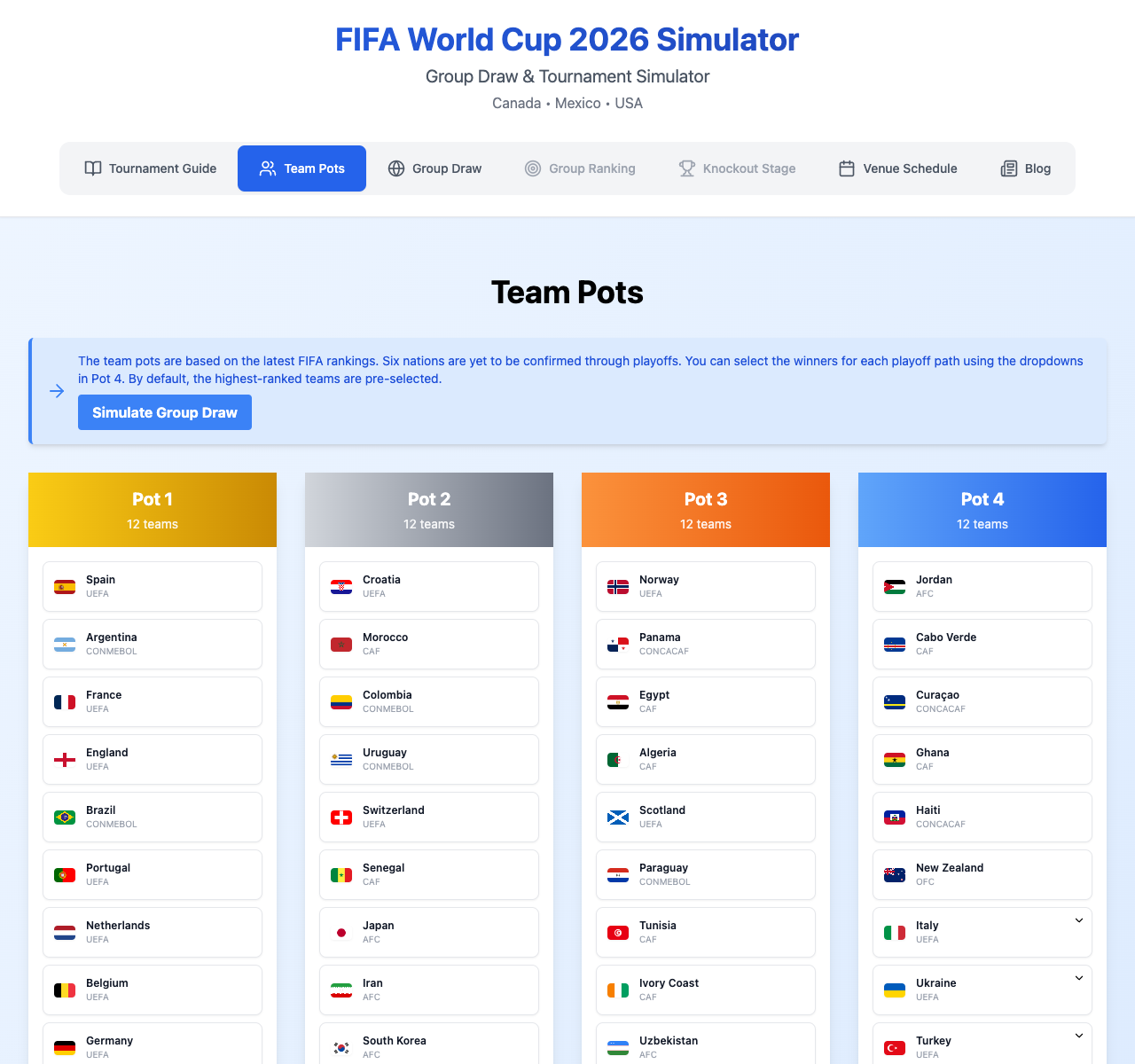
Once you are satisfied with the field of 48 teams, you are ready to kick off the action.
Step 2: Simulating the Group Stage
The group stage is where dreams are launched and crushed. With 12 groups of 4 teams, there are 72 matches to be played in this phase alone. Simulating them manually would be a chore, so we've built a powerful engine to handle the heavy lifting.
The "One-Click" Simulation
On the Group Stage page, you'll find the "Simulate Group Stage" button. With a single click, our algorithm plays out every group match.
But this isn't just a random coin toss. The simulation uses a weighted probability model based on FIFA rankings and team strength. However, football isn't played on paper, which brings us to our favorite feature.
The Chaos Factor: Control the Upsets
Located prominently on the simulation dashboard is the "Chaos Factor" slider. This tool is your way of telling the simulator how much "madness" you want to introduce.
- Low Chaos (near 0): The favorites will win almost every time. Use this if you want to see the most statistically probable outcome. Brazil, France, and Argentina will likely dominate.
- Standard Chaos (default): A balanced approach that mimics real-world football. Favorites usually win, but draws and minor upsets happen, keeping things realistic.
- High Chaos (max): Anything can happen! Expect to see giants crashing out in the group stage and underdogs topping their tables. This is perfect for finding those "Leicester City" moments.
Adjust the slider before you click simulate to set the tone for your tournament.
Analyzing the Results
Once the simulation runs, the page transforms. You will see:
- Full Standings: Every group table updated with Points, Goal Difference, and Goals Scored.
- Match Scores: Detailed scores for every single game. (e.g., USA 2 - 1 England).
Did your team make it? In the 2026 format, the top two teams from each group plus the 8 best third-place teams advance. It's a forgiving format, but one that rewards consistent performance.
Sharing the Standings
Found a simulation where your country tops the "Group of Death"? Don't keep it to yourself.
Click the "Share Standings" button to generate a high-quality image of the group stage results. This image is formatted perfectly for Twitter, Instagram, or Reddit. It captures the final tables and highlights the teams moving on to the Round of 32.
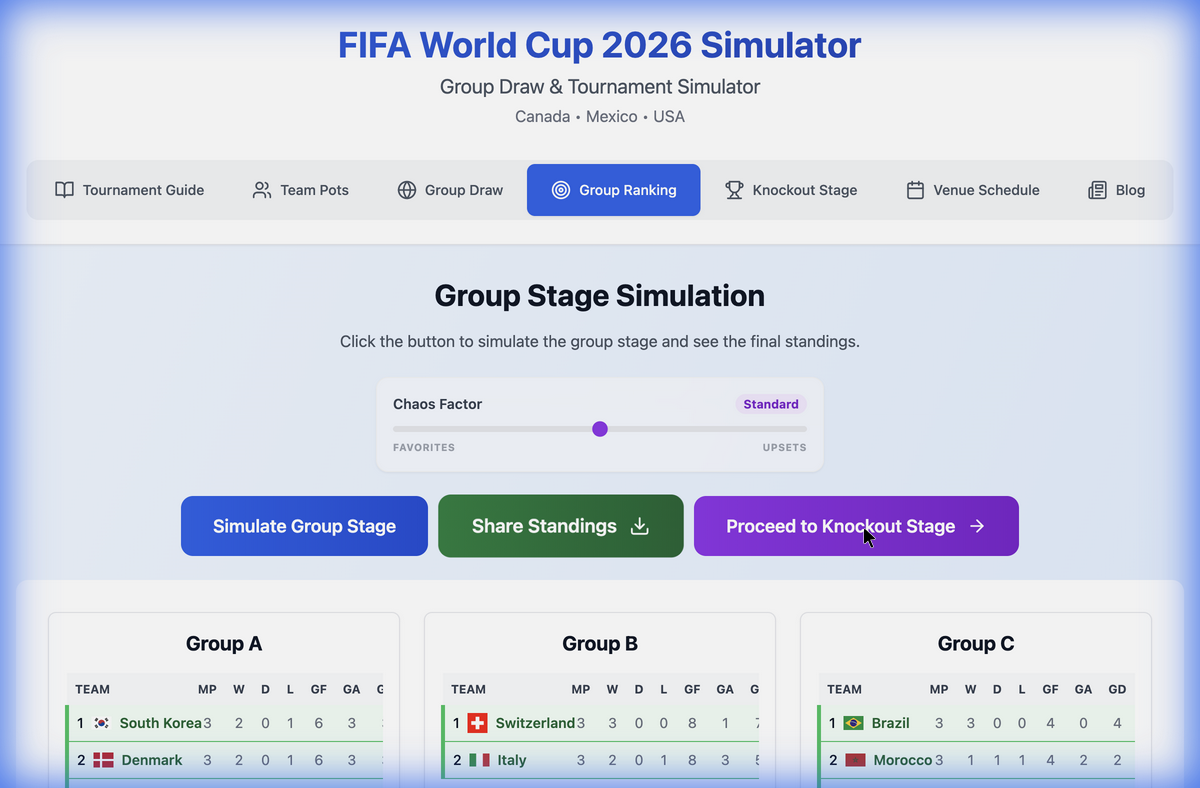
If you aren't happy with the results—maybe your team crashed out early—you can simply hit the "Simulate Group Stage" button and try again. That’s the beauty of a simulator: you always get a second chance.
Step 3: The Knockout Stage – The Road to Glory
This is it. The business end of the tournament. The field is cut from 48 to 32, and every match is do-or-die.
Navigating the Bracket
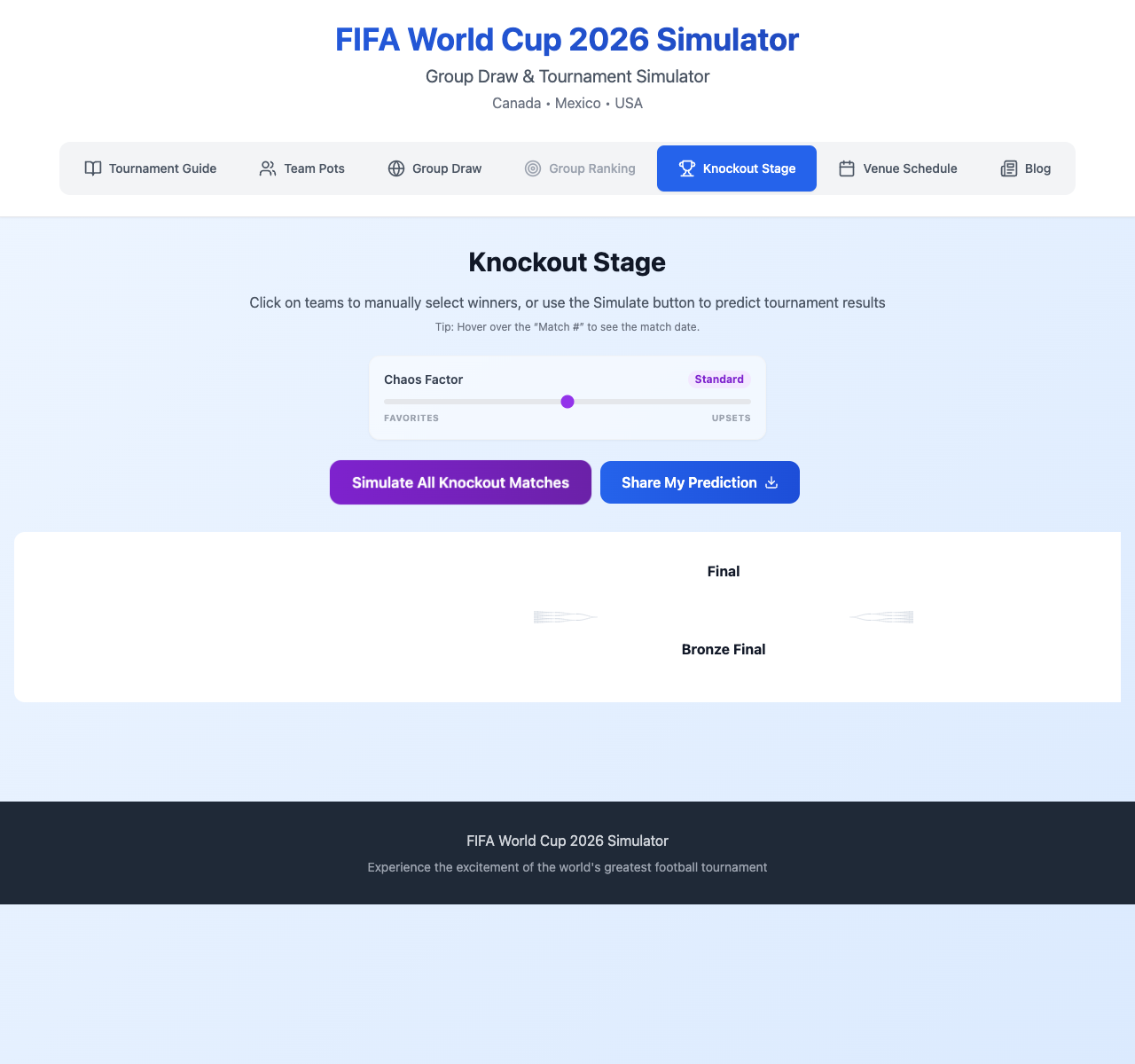
Click "Proceed to Knockout Stage" to move the qualified teams into the massive 32-team bracket. The sheer scale of the knockout bracket is a sight to behold.
Three Ways to Play
We know different users want different levels of control, so we offer three distinct ways to complete the bracket:
1. The Hands-On Manager (Manual Selection)
For the control freaks and the tactical experts. You can click on any match in the bracket and manually select the winner.
- Think the USA will beat Italy on penalties? Click the USA.
- Predicting a Morocco miracle run? Guide them through the bracket yourself.
- This mode is perfect for filling out your bracket challenge exactly how you see it unfolding.
2. The Match-by-Match Thriller (Individual Sim)
Want to build suspense? unexpected turns? You can simulate the bracket one match at a time.
- Find a specific Round of 32 game.
- Click the "Simulate" icon next to it.
- Watch the score appear instantly.
- Move on to the next one. This allows you to manually intervene for some matches while letting fate decide others.
3. The Instant Outcome (Simulate All)
Just like the group stage, you can use the "Simulate All Knockout Matches" button to fast-forward to the trophy presentation.
- The simulator runs through the Round of 32, Round of 16, Quarter-finals, Semi-finals, and Final in a split second.
- The winner is crowned, and the full path to victory is revealed.
Pro Tip: The Chaos Factor slider works here too! If you want a chaotic knockout stage full of penalty shootout drama and upset victories, crank that slider up before you sim.
Step 4: Share Your Prediction
You've played out the matches, survived the scares, and crowned a World Championship. Now it's time to go on the record.
At the top of the Knockout Stage page, you'll find the "Share My Prediction" button. This creates a stunning visual summary of your tournament. It includes:
- The Champion
- The Runner-up
- The Full Bracket Path
- Key Match Scores
Download this image and post it with the hashtag #WorldCup2026. Challenge your friends to beat your bracket. Did you predict a Brazil vs. France final? Or did you find a scenario where Japan wins it all?
Frequently Asked Questions (FAQ)
To help you get the most out of the World Cup Simulator, here are answers to common questions.
How accurate is the simulator?
The simulator uses an ELO-based rating system, similar to the ones used by official sports analytics firms. It takes into account historical team performance and current form. However, football is unpredictable! The "Chaos Factor" allows you to deviate from purely statistical outcomes to model the "magic of the cup." For a deeper dive into our methodology, check out our new simulation features post.
Can I choose the exact score of a match?
Currently, you can manually choose the winner of a match in the knockout stage, but the specific scoreline is generated by the simulation engine based on team strengths. We are constantly updating the tool, so exact score prediction may be a future feature!
What happens if I change the Chaos Factor midway through?
The Chaos Factor applies to simulations run after the change. You can run the Group Stage with "Low Chaos" to get a realistic Round of 32, and then switch to "High Chaos" for the knockouts if you want to see absolute mayhem in the playoffs. It gives you great flexibility to model different tournament narratives.
Why are there 48 teams?
FIFA expanded the World Cup for 2026. This means a new format: 12 groups of 4, with 32 teams advancing to the knockout rounds. Our simulator is fully updated to reflect this official FIFA 2026 format.
Can I save my simulation and come back later?
Your current simulation state is preserved in your browser session. As long as you don't clear your cache or close the tab, you can navigate between the Team Pots, Group Stage, and Knockout Stage pages without losing your data. However, for long-term saving, we recommend downloading the "Share" images.
Conclusion
The 2026 World Cup promises to be the biggest and most exciting event in sporting history. With 104 matches to be played, the number of possible outcomes is practically infinite.
Our World Cup Simulator isn't just a tool; it's a sandbox for your football imagination. Whether you are a serious analyst looking for likely outcomes or a fan dreaming of your nation's first star, the power to predict the future is in your hands.
Ready to play?